


|
|
|
|

Collect
- Pictures
- Dates
- Roster or Cast

Resources
- hollandchristian.org
- hollandchristian.org/athletics
- http://hollandchristian.smugmug.com/browse


Find an event happening at school...
Some ideas:
Homecoming
Athletics
Fall Musical
Student Council (Blood Drive, Spirit Week, House Olympics)
Club (Student Diversity Council, Robotics)
Include info...
Date, Time, Location, Tag Line
Using ONLY type, make an interesting and engaging promotional poster!
Here is one I made for the counselors...


Hey all!
Chances are you will need a few more days on your digital and handwritten typefaces, but I wanted to introduce the sculptural typeface. You will have to collect objects to arrange as your letters. It might be a good idea to set this up at home, photograph it, and then upload it to the computers at school. Come prepared to keep working and make good use of your time in class!
Above is a GREAT example of a sculptural typeface created by a student from last year! Using only books and balance, they came up with this amazing number 8!

With concerns to presentation of your sculpture typeface, you might want to consider clipping or cutting. To do this, you would use the lasso tool. Here is a quick tutorial you can watch with headphones on:
Depending on how your photographs turned out, it might give your typeface a cleaner, more professional look.


This is a website that allows you to create your own fonts and typefaces!

2. https://www.1001freefonts.com/
Spend some time exploring this site - search different fonts and find some that you like!

3. Rasterizing Type in Photoshop:
Type a letter in Photoshop. On the type Layer, double click and scroll down to "Rasterize Type".

Rasterizing the type will turn the letter into an object you can edit:

Try the eraser tool, lasso tool, and others to change the letter and make your own version!


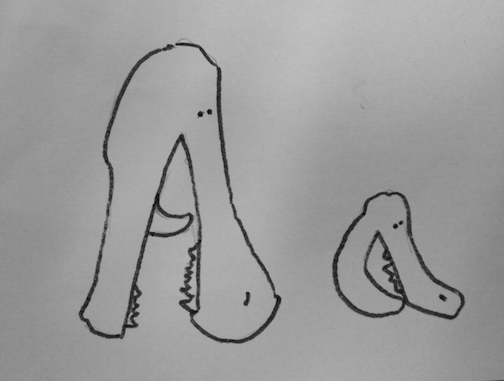
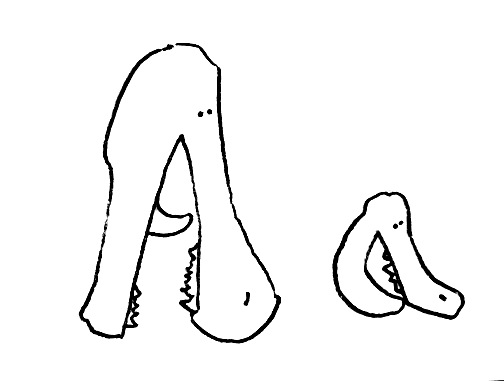


Hey all!
For our next project we will be designing our own typefaces! You will be designing a...
- Digital Typeface (think FontStruct or rasterizing type in Photoshop)

- Handwritten Typeface (You will be drawing on paper!)

- Sculptural Typeface (Build it in 3D!)

To start - pick a set of three consecutive letters and three consecutive numbers. Example:
Aa Bb Cc
123
These will be the numbers and letters you design for all three of your approaches. You must do both uppercase and lowercase for your 3 letters. Also, your layout must be letters centered over numbers:

Throughout the project, I will show you different examples and ways to go about designing. This is a big project to take on! Can't wait to see what we come up with!
- Slenk


